AI Room Design Free: How to Redesign Any Room Without Spending a Fortune
Want to redesign your room without hiring a designer? Here's how to use free AI room design tools to transform any space in minutes — no experience needed.
Remodel AI Team
March 20, 2026 · 8 min read
You've been staring at the same living room for three years. You know something needs to change — maybe the layout feels off, the color scheme is dated, or you just moved in and have no idea where to start. But hiring an interior designer? That's $2,000 to $10,000 you don't have sitting around.
Here's the good news: AI room design free tools have gotten really good. You can upload a photo of your actual room, pick a style, and see a professionally rendered redesign in under a minute. No design degree, no huge budget, no weeks of back-and-forth with a consultant.
This guide walks you through how it works, how to get the best results, and which styles are worth trying first.
What Is AI Room Design and How Does It Actually Work?
Free AI room design tools use a type of machine learning called diffusion modeling — the same technology behind image generators like Midjourney. But instead of generating scenes from scratch, these tools take your real room photo and replace surfaces, furniture, lighting, and decor while keeping the structure of the space intact.
What this means in practice: the AI understands that a sofa sits on a floor, that walls have corners, that natural light comes from windows. It doesn't just slap a new aesthetic on top of your photo — it rebuilds the scene with that aesthetic applied consistently across the whole room.
The result is a realistic version of what your room could look like, rendered from your own space. Not a generic showroom. Not a 3D model you built from scratch. Your actual room, redesigned.
Step-by-Step: How to Use RemodelAI for Free AI Room Design
RemodelAI is one of the most capable free AI room design tools available right now. It gives you 3 free designs to start — no credit card required — and works on iOS, Android, and the web.
Here's how to get your first AI room makeover:
Step 1: Take a photo of your room
Natural light makes a big difference. Stand in the corner of the room to capture as much of the space as possible. Avoid taking photos at night with only artificial lighting — the AI reads shadows and light direction to understand the room geometry, and indoor lighting at night can flatten the image in ways that reduce result quality.
Step 2: Upload your photo
Head to remodelai.io/app or open the app on your phone. Tap "New Design" and upload your photo. The app accepts standard JPG and PNG files.
Step 3: Select your room type
Tell the AI what kind of room it's working with — living room, bedroom, kitchen, bathroom, dining room, home office, etc. This helps the model apply appropriate furniture and fixtures for that space.
Step 4: Choose a design style
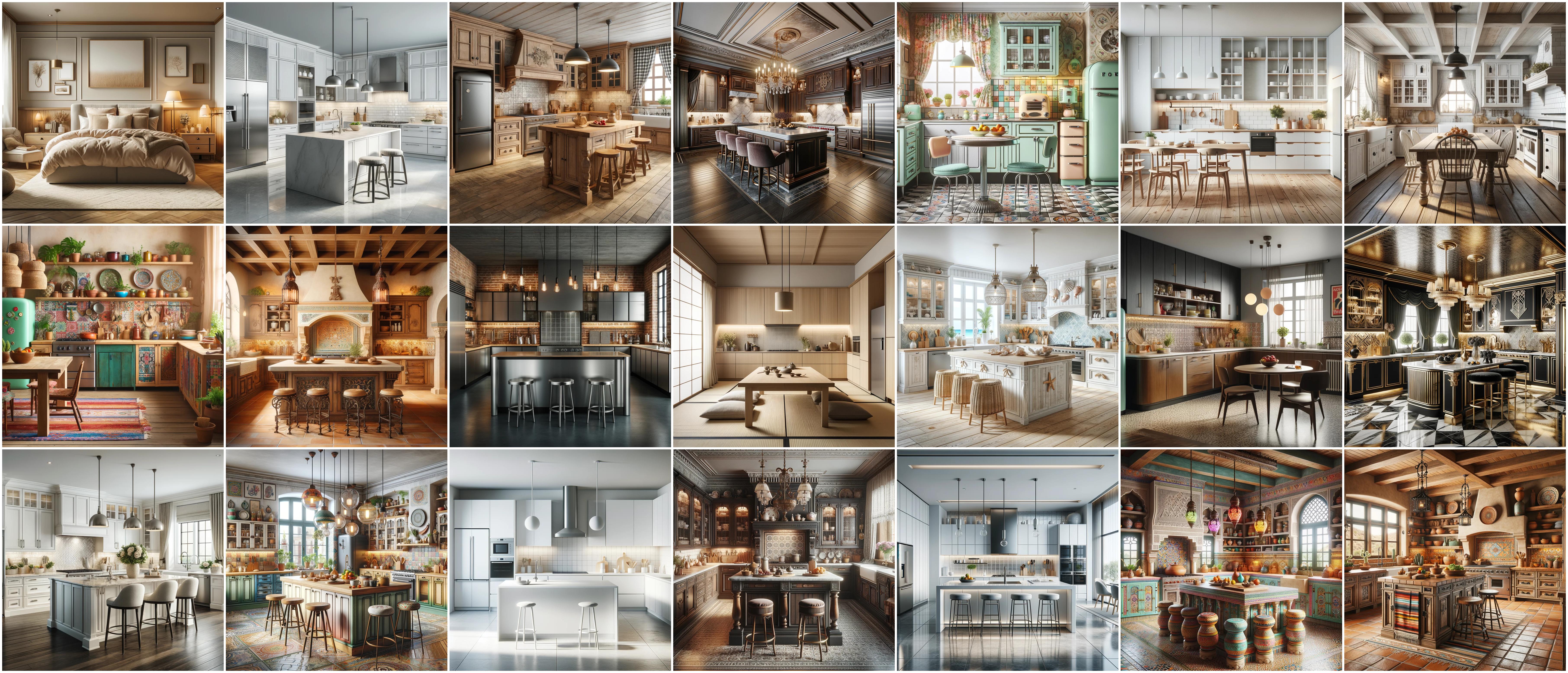
This is where it gets fun. RemodelAI offers 30+ interior design styles, 11 exterior styles, and 10 garden styles. Browse the style thumbnails and pick one that catches your eye. (More on the best styles to try in the next section.)
Step 5: Generate your design
Hit generate and wait about 30–60 seconds. The AI will produce a redesigned version of your room in the style you selected.
Step 6: Compare and refine
Use the before/after slider to compare your original room with the AI redesign. Not quite right? Try a different style, or generate another variation. Each generation uses one of your free credits.
Bonus tools: RemodelAI also includes a wall paint visualizer, floor replacement tool, furniture swap, object removal, and virtual staging — so you can make more targeted changes on top of your full redesign.
Room styles worth trying with free AI room design
The real fun starts when you stop playing it safe and try styles you'd never have picked on your own. Here are the ones that tend to produce the most interesting results:
1. Modern Minimalist Clean lines, neutral palette, no clutter. Every object earns its place. Great for small rooms where you want to make the space feel larger and calmer.
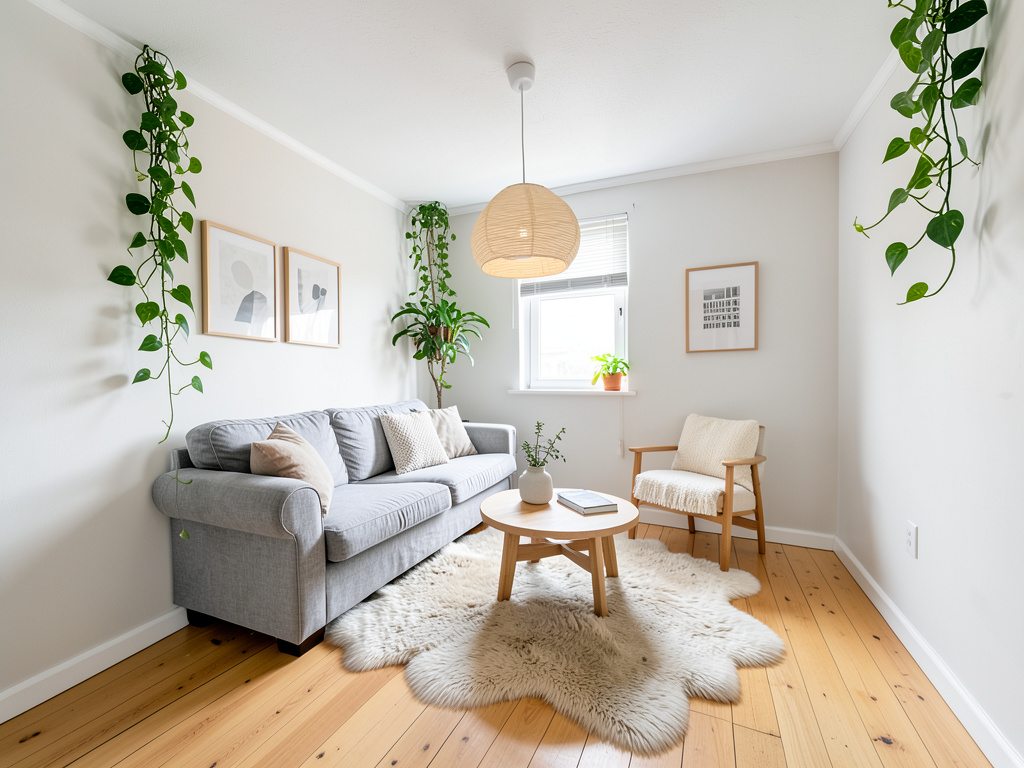
2. Scandinavian Light wood tones, white walls, natural textiles. Warm but uncluttered. One of the most consistently popular styles for bedrooms and living rooms.
3. Mid-Century Modern Think 1950s and 60s — tapered furniture legs, warm wood, bold accent colors. Timeless without feeling stuffy, and a great contrast to modern architecture.
4. Bohemian Layered textiles, plants, eclectic art, mixed patterns. The opposite of minimalism. If you like a room that feels collected and personal, this one delivers a dramatic transformation.
5. Industrial Exposed brick, steel, raw wood. Works especially well for loft-style spaces but can add character to a standard apartment too.
6. Japandi A hybrid of Japanese and Scandinavian design — minimal, earthy, deeply calming. Low furniture profiles, natural materials, and a very intentional use of negative space.
7. Coastal / Hamptons Whites and blues, natural fibers, lots of light. If your goal is a relaxed, airy feel, this style is consistently one of the most satisfying to see rendered in a real space.
8. Traditional / Classic Symmetrical layouts, rich wood furniture, warm tones. If you want a more formal, polished look without going ultra-contemporary, this is the style.
9. Art Deco Bold geometric patterns, jewel tones, metallic accents. High glamour. Works beautifully in dining rooms and bedrooms.
10. Farmhouse / Rustic Shiplap walls, reclaimed wood, cozy textures. Approachable and warm — especially popular for kitchens and living rooms.
Tips for getting better results from AI room design free tools
AI room design free tools work best when you give them clean inputs. A few things that actually matter:
Clear the clutter before you shoot. The AI will redesign the room, but if your floor is covered in laundry, the model has to work around it. A tidier starting photo gives the AI more room to work with and produces cleaner results.
Shoot in daylight. As mentioned earlier, natural light helps the model understand room geometry. Harsh shadows from a single lamp at night can confuse the depth estimation.
Try more than one style. The first result isn't always your favorite. Generating two or three variations in different styles takes a couple of minutes and often reveals a direction you wouldn't have expected.
Use the before/after slider critically. It's easy to get excited by a dramatic transformation, but zoom in on the details. Does the furniture scale feel right? Does the room still look livable, or has the AI made it look like a magazine shoot that no human could actually maintain?
Use targeted tools for specific problems. If you love your furniture but hate your floors, use the floor replacement tool rather than a full redesign. If there's one piece you want to swap out, the furniture swap tool is more precise than regenerating the whole room.
AI room design vs. hiring a traditional interior designer
So what's the actual trade-off between free AI room design and paying someone?
| AI Room Design (RemodelAI) | Traditional Interior Designer | |
|---|---|---|
| Cost | Free to start; $29–$49/month for full access | $2,000–$10,000+ per project |
| Time to first result | Under 60 seconds | Weeks to months |
| Revisions | Unlimited (generate as many as you want) | Often limited; each revision costs time and money |
| Personalization | Style-based; works from your actual photo | Fully custom, in-person consultation |
| Best for | Exploration, visualization, DIY renovations | Large-scale renovations with contractor coordination |
The honest answer: they're not competing for the same jobs. A human designer is worth it if you're doing a full renovation and need someone to coordinate contractors, source custom furniture, and manage a budget. But most people just want to figure out what direction to take their space — or see a change before committing to it. For that, free AI room design tools do the job well.
RemodelAI's pricing is straightforward: 3 free designs to start, then $29/month for Pro or $49/month for Premium. There's no free trial that requires a credit card upfront.
Frequently asked questions
Is AI room design actually free, or is there a catch?
RemodelAI gives you 3 free designs with no credit card required. That's enough to try out the tool and see real results on your actual room before deciding whether to pay for more. After that, paid plans start at $29/month.
How realistic are the AI room design results?
Results have gotten much better in the past two years. For most room types and lighting conditions, the output looks like a professional render rather than a digital painting. The most realistic results come from well-lit photos with clear sightlines. Bathrooms with complex tiling and unusual lighting can sometimes produce less consistent results.
Can I use AI room design to plan an actual renovation?
Yes — that's one of the most practical use cases. Designers and homeowners use AI room design tools to visualize changes before committing to paint colors, flooring, or furniture purchases. It's much cheaper to discover that a color scheme doesn't work in an AI render than after you've already painted the walls.
Does RemodelAI work for exterior design too?
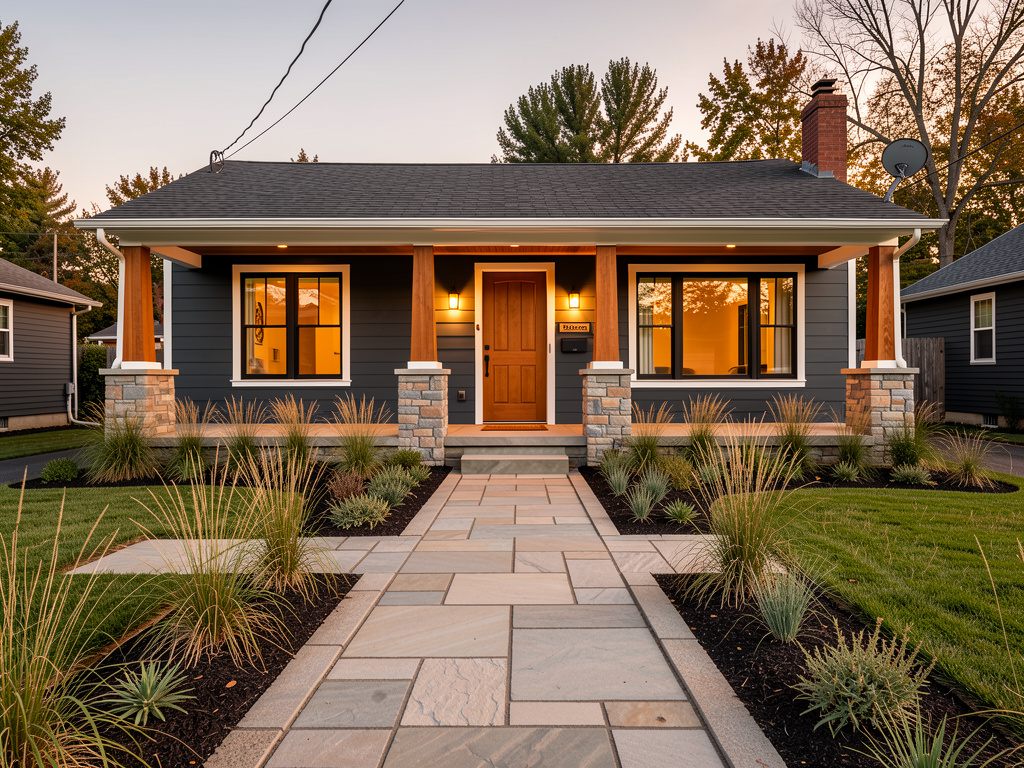
Yes. RemodelAI supports 11 exterior styles, so you can redesign your home's facade the same way you'd redesign an interior room. It also supports 10 garden and landscape styles.
What's the difference between a full redesign and the other tools like furniture swap or object removal?
A full redesign transforms the entire room aesthetic — floors, walls, furniture, decor, lighting — in one generation. The targeted tools (furniture swap, object removal, wall paint visualizer, floor replacement) let you make surgical changes without transforming everything. Both approaches are useful depending on what you're trying to accomplish.
Give it a shot
The fastest way to figure out what you want your room to look like is to see it. Not on a Pinterest board, not in a furniture catalog — in your actual room, with your actual layout and light.
RemodelAI gives you 3 free AI room designs to start, with no credit card required. Upload a photo, pick a style, and have a professional-quality render of your redesigned room in under a minute.
Try it now at remodelai.io/app, or download the app on iOS or Android.
Ready to Try AI Interior Design?
Upload a photo and redesign any room in seconds. 3 free designs, no signup required.